A Netlify deployment can be the source for a native iOS and Android app, but the deployed site is only the starting point. Median creates the mobile app from your Netlify URL, adds native features such as push notifications where needed, and prepares store-ready builds. Before publishing, test the production domain, login flow, forms, checkout, deep links, and any feature that depends on device permissions.
A Netlify deployment can be the source for a mobile app, but the deployed site is only the starting point. The mobile version still needs to feel right on a phone, handle native permissions, and pass app store review.
Median creates an iOS and Android app from your Netlify URL, which is the website to app step. Before you publish, test the production domain, login flow, forms, checkout, push notifications, deep links, and any feature that depends on device permissions. If the project came out of an AI builder, the vibe-coded app store playbook ties this guide into the wider process.
What is Netlify?
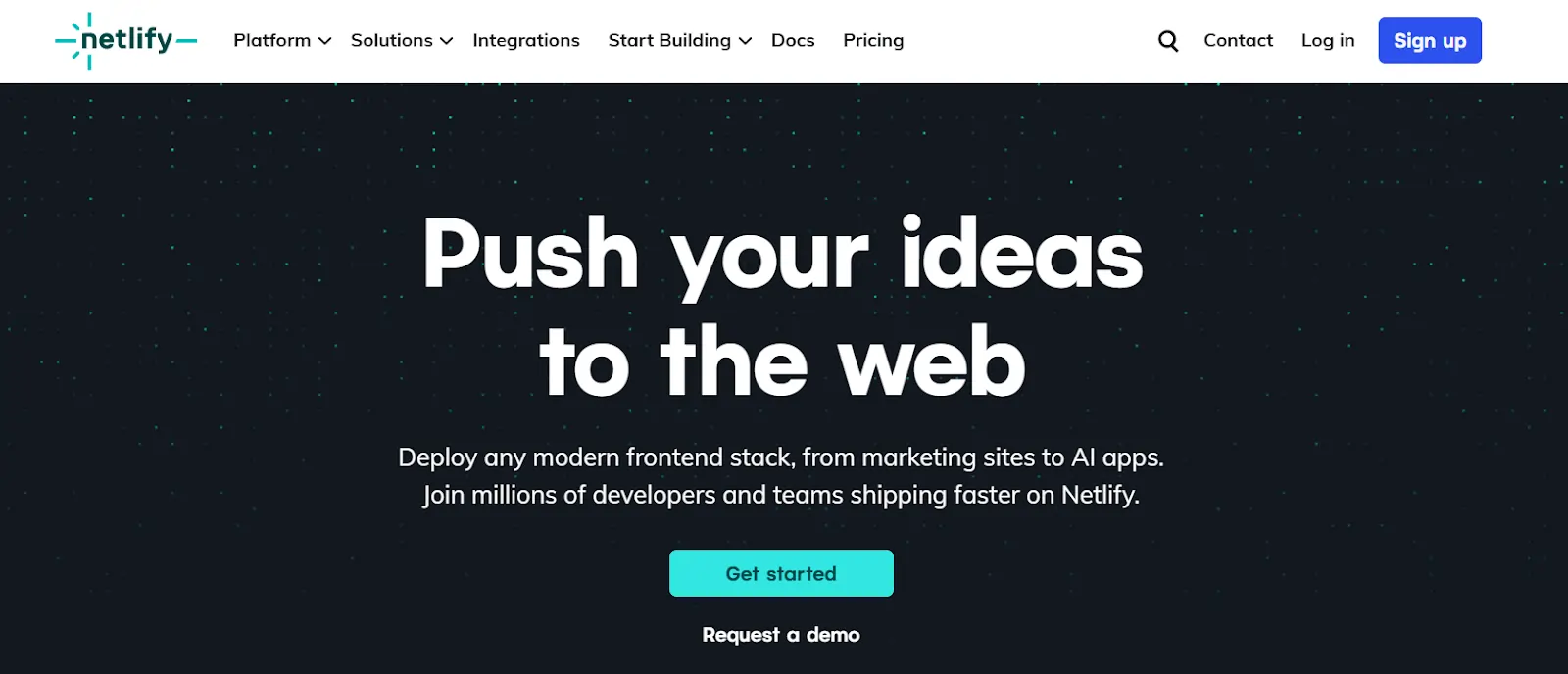
Source: Netlify
Netlify is a cloud platform for building, deploying, and scaling modern websites and web applications. Its key features, briefly:
Direct Git connection. It connects to your Git repository and automatically builds and deploys your site to a global CDN, so it loads fast everywhere.
Instant rebuild capabilities. Every time you push new code, Netlify instantly rebuilds and redeploys your site with no manual labor.
Serverless functions. Netlify also supports serverless functions for dynamic features without managing backend infrastructure.
Framework support. It works cleanly with popular frameworks like React, Vue, Angular, Next.js, and Astro. You also get access to built-in tools for form handling, authentication, image optimization, and visual editing.
But, at its core, Netlify eliminates infrastructure complexity, letting teams focus on delivering great user experiences.
Key features of Netlify
Build and deploy: Netlify deploys your site to a global CDN with every code push, supports any JavaScript framework, and offers serverless functions so you can add backend logic without maintaining servers.
Simplified deployment management: You can preview changes before going live, roll back to previous versions with one click, manage multiple branches simultaneously, and control who can deploy and when.
Better developer experience: Netlify automates dependency installation, caches intelligently between builds, offers secure build environments, and includes debugging tools like the Netlify Drawer and AI-powered build failure fixes.
Optimal content management: With a built-in visual editor, real-time content editing, support for SEO metadata, and edge-cached delivery, Netlify enables content teams to publish fast without relying on developers.
Comprehensive forms and integrations: Built-in form handling, extensive third-party integrations, Netlify Blobs for unstructured data, and automatic image optimization speed development up without slowing builds down.
Stronger security and monitoring: Netlify includes automatic SSL certificates, advanced security features, real-time analytics, and Lighthouse performance scores to ensure your site is secure, fast, and user-friendly.
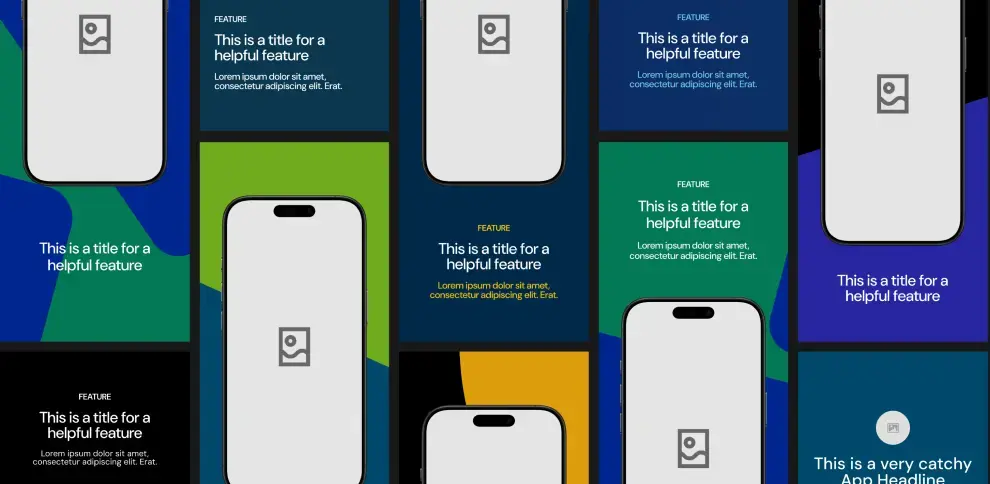
Unlock Median’s 500+ free Figma app store screenshot templates designed to meet iOS and Android guidelines. Your app will look its best across platforms, resulting in more downloads and a more powerful app store presence.
Why convert your Netlify powered website or web app into a native app?
Converting your Netlify powered website or web app into a native mobile app can provide a smoother user experience, higher engagement rates, and better performance than web apps. Four key benefits of converting to a native app include:
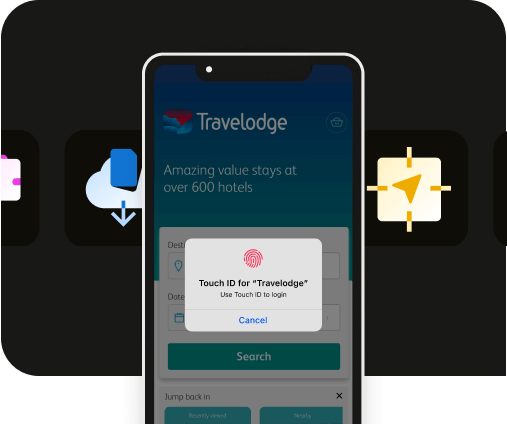
Native app features: With native apps, you can access device-specific features, such as push notifications, GPS, haptic feedback, and camera integration, features that aren’t possible with web apps. These tools can significantly improve how users interact with your app, driving more engagement.
App store presence: Native apps offer the opportunity to publish your app on the Apple App Store and Google Play Store, where users can easily discover, download, and engage with your product. A spot in the app store is a major advantage for brand visibility and customer acquisition.
Offline access: One of the most significant benefits of native mobile apps is offline functionality. Unlike web apps that require a constant internet connection, native apps store data locally, allowing users to interact with the app even when offline.
Improved user engagement and retention: Studies show that mobile apps have much higher engagement and retention rates compared to web apps. Apps can offer more personalized experiences with features like user notifications and reminders, all of which are highly effective for driving repeat usage.
How Median.co can help you convert a Netlify-deployed website/web app into a native app
Median.co offers a simple, cost-effective way to convert your Netlify deployed website/web app into a native iOS and Android app. It is a web to app conversion, not a rebuild.
Using Median’s App Studio, you can convert any website into a mobile app with native features such as push notifications, haptics feedback, and device-specific functionality like GPS and camera access.
What you get with Median:
Extensive native plugin library: Median.co's App Studio includes a wide range of native plugins that allow you to easily add advanced native features to your app, such as push notifications, haptics, Face ID/Biometric login, etc., including SDK integrations for leading mobile vendors.
Real-time app building: The platform lets you see real-time updates of your app as you customize it, ensuring you get the exact look and feel you want.
Easy publishing: Median's publishing service submits your app to the Apple App Store and Google Play Store for you, while you focus on the product.
With Median.co, the conversion process is simple, and you don’t need to be a developer to create a fully functional mobile app.
Launch a full-feature native app without native development!

How to convert your Netlify powered web app or website into a native app using Median.co
Ready to convert your Netlify powered web app/website into a native mobile app? Get started with a step-by-step guide to using Median.co's App Studio.
Step 1: Build your app in the Median.co App Studio
Start by visiting https://median.co/app. Enter your Netlify powered website or web app’s URL as the "Website URL" and update your "App Name" as needed.
An email address is required for ongoing access to your app in the App Studio, you’ll then receive an email with a link to verify your account. To continue, click the button to start building your app
Step 2: Preview & test your new app
Median.co offers browser-based simulators to easily preview your app on iOS and Android devices without leaving your web browser.
As a starter, test that the basic functionality within your new app is performing as expected.
Step 3: Customize your app
In the Branding tab, you can upload an app icon and splash screen image or animation, and set theme colors to fully customize your app and align with your brand.
Additionally, you can explore options for Interface Settings, Link Handling, Website Overrides, and Permissions to tailor your app user experience to meet your requirements.
Native Navigation is where you can create a natural native app experience for your users, as well as finding help to meet Google and Apple design requirements.
Finally, you can explore Median’s Native Plugins to add advanced native features and integrations like push notifications, haptics feedback, and analytics to enhance user experience and maximize outcomes for your app.
Step 4: Test your app
Now that your app is customized, it’s crucial to test it on different devices before submitting it to the App Stores. Median.co offers:
Browser-based simulators to help ensure everything is functioning properly.
A convenient Public Sharing Link to provide access to stakeholders during testing.
Functionality to easily test on physical devices (an Apple Developer account is required for iOS).
Step 5: Launch your app
Open the Billing tab in the App Studio and select a plan based on the functionality your app needs.
Median also offers a publishing service where the Median team manages the entire submission to the Apple App Store and Google Play for you.
Do not publish from a temporary Netlify URL
A surprising number of people try to turn temporary hosted projects, random netlify.app subdomains included, into installable apps.
For testing, a Netlify subdomain can work.
For launch, use a production domain when possible. App store reviewers and users should see a product that looks stable, branded, and maintained. A temporary project URL can make the app feel unfinished even if the underlying product works.
How to publish your Netlify deployed site/web app to the Apple App Store and Google Play
Once your Netlify site/web app is turned into a mobile app and its native features are configured, you’re ready for the final milestone: publishing it to the app stores.
The following steps assume you have already built your app in the Median App Studio and have successfully tested your build on the browser-based simulators or a physical device.
What are the steps to publish your Netlify app to the Apple App Store
Apple’s review process is notoriously rigorous. To ensure your Netlify-deployed app isn't flagged as a "simple web container," follow these exact steps:
Step 1: Register as an Organization: Create an Apple Developer Program account (typically $99 USD/year). Apple requires businesses to register as an Organization (requiring a D‑U‑N‑S number) rather than an Individual to ensure the brand name appears correctly in the App Store.
Step 2: Create your app record: Log in to App Store Connect, click the + icon, and select “New App”. Match the Bundle ID to the one used in your Median-built app.
Step 3: Configure metadata and "Nutrition Labels":
Screenshots: Upload the required iPhone screenshot sets for supported display sizes.
Metadata: Complete all App Store metadata fields, including your app name, description, keywords, category, support URL, and promotional content.
Privacy: Complete Apple’s “App Privacy” section, including the required “Nutrition Labels” that disclose what user data your app collects and how it is used.
Review access: If your app requires login access, provide valid demo credentials in the “App Review Information” section so Apple can fully review the app.
Upload the build: Connect your Apple Developer account in the Median App Studio using an App Store Connect API key. Median then builds a signed distribution IPA in the cloud and uploads it directly to App Store Connect for TestFlight and App Store submission. No Mac, Xcode, or Apple Transporter is required (see the upload documentation).
Step 5: Submit for review: Once the build processes, select it in App Store Connect and click Submit for Review. Apple typically responds within 24 to 48 hours, but it may take longer.
What are the steps to publish your Netlify app to the Google Play Store
Google has moved toward a more structured review process, requiring new developers to perform internal testing before going live.
Step 1: Create your Play Console account: Register at the Google Play Console (one-time $25 fee). Note that Google will now require developer verification before publishing.
Step 2: Complete the Google Play Console setup checklist: Google Play requires several dashboard setup tasks to be completed before your app can be submitted for review. This includes:
Configure your app settings and basic app information
Complete your store listing metadata and graphics
Add a valid privacy policy URL
Complete the Data Safety disclosure section
Declare app content, permissions, ads, and target audience details
Configure testing tracks if required
Provide app access instructions or demo credentials if login is required
Step 3: Upload your Android app bundle (.aab): In the Production track, create a new release. You can also generate your Android app bundle (.aab) directly from the Median App Studio. (see our documentation for steps). Google no longer accepts the older .apk format for new submissions.
Step 4: Start rollout: Once your release passes Google Play review and all required policy checks are completed, click “Review Release” and then “Start rollout to Production”. For new accounts, Google may take up to 7 days to complete the initial security review.
Need help publishing your Netlify app to the app stores? Median.co can help
If provisioning profiles, code signing, or Google's mandatory testing periods feel like too much of a hurdle, hand them off. Median's Publishing Service has the Median team manage the entire submission: metadata, review feedback, and resubmissions until the app is live. Median has published over 4,000 apps and, as of July 2026, maintains a 100% approval rate.
Selling subscriptions in a Netlify app
If your Netlify-hosted product sells digital subscriptions or premium features, Apple and Google require their own billing systems inside the apps, so your web checkout cannot be the purchase path in the store versions.
Median's RevenueCat In-App Purchases plugin covers both billing systems from one setup, and your web app gates premium features by reading subscription status through Median's JavaScript Bridge. The RevenueCat subscriptions guide covers the console setup and the rebuild the app needs after the plugin is enabled.
Why native apps offer better business results
Converting your web app into a native mobile app changes the business results, too. Here's how.
Easier user acquisition: Having your app in the app stores gives your business more credibility. Customers are more likely to download an app that is easily accessible from the Apple App Store or Google Play. Plus, depending on your expected user base, you can serve app install ads to acquire new user app installations, leading to increased downloads and conversions.
Engagement and retention: Native mobile apps have a higher retention rate than web apps. They provide a more personal and interactive experience through personalized push notifications powered by analytics that can be used to increase user retention. They also offer offline access and native device features, such as your app icon being present on user’s home screens, providing easy access to your app and ensuring users stay engaged longer.
Better user experience: Native apps offer faster load times and smoother transitions compared to web apps, which can lead to greater customer satisfaction and higher reviews on app stores. They also offer an improved app navigation experience, boosting user satisfaction.
Revenue generation: With access to in-app purchases, advertisements, and subscriptions, native apps provide more opportunities for monetization compared to traditional web apps.
Discover how Median empowers companies to speed mobile app development, engage users, and reduce expenses.

Netlify deploys web apps, Median gets them in the app stores
Converting your Netlify-powered website or web app into a native mobile app changes what the product can do: push notifications, offline access, and a real store presence.
Median handles that step without native development, for a fraction of what building iOS and Android apps from scratch costs.
Ready to see it? Enter your Netlify URL and test the app Median builds from it.
Frequently asked questions
What are the different approaches to deploying a site to Netlify?
Netlify offers multiple deployment approaches to suit different workflows: a connected Git repository (GitHub, GitLab, Bitbucket) for continuous deployment that updates your site with each push, the drag-and-drop interface for manual deploys, the Netlify CLI with commands like netlify deploy for terminal-based workflows, pre-built Netlify Templates, and programmatic options such as the Deploy to Netlify button, API endpoints, or integrations with AWS CloudFormation and Terraform. All the above mentioned methods maintain Netlify's atomic deploy concept, which ensures that your site is never in an inconsistent state during updates. Read more on Netlify’s Support Guide: Deploying a site to Netlify.
Can I add in-app purchases (IAPs) to my native app if my site is hosted on Netlify?
Yes, a Netlify-hosted app can sell in-app purchases. Median's recommended route is the RevenueCat In-App Purchases plugin, which handles Apple and Google billing from one setup and lets your web code gate premium features by entitlement. A direct In-App Purchases plugin is also available for apps with an existing billing backend. Either way, the store billing runs inside the app and works independently of your web payment flow.
Will my site's dynamic features (like user dashboards or real-time data) work inside the native app?
Median.co mirrors the full functionality of your Netlify-hosted site inside the native app. Features like user authentication, dynamic content rendering, and API-driven components remain fully operational, no additional backend changes required.
How do I ensure my app meets App Store guidelines if it’s just wrapping my existing site?
Median.co includes tools like Native Navigation and Website Overrides to help your app feel and behave like a true native experience. These tools ensure your app aligns with Apple’s and Google’s UI/UX standards, increasing your chances of approval during app review.
*DISCLAIMER: This content is provided solely for informational purposes. It is not exhaustive and may not be relevant for your requirements. While we have obtained and compiled this information from sources we believe to be reliable, we cannot and do not guarantee its accuracy. This content is not to be considered professional advice and does not form a professional relationship of any kind between you and GoNative.io LLC or its affiliates. Median.co is the industry-leading end-to-end solution for developing, publishing, and maintaining native mobile apps for iOS and Android powered by web content. When considering any technology vendor we recommend that you conduct detailed research and "read the fine print" before using their services.*